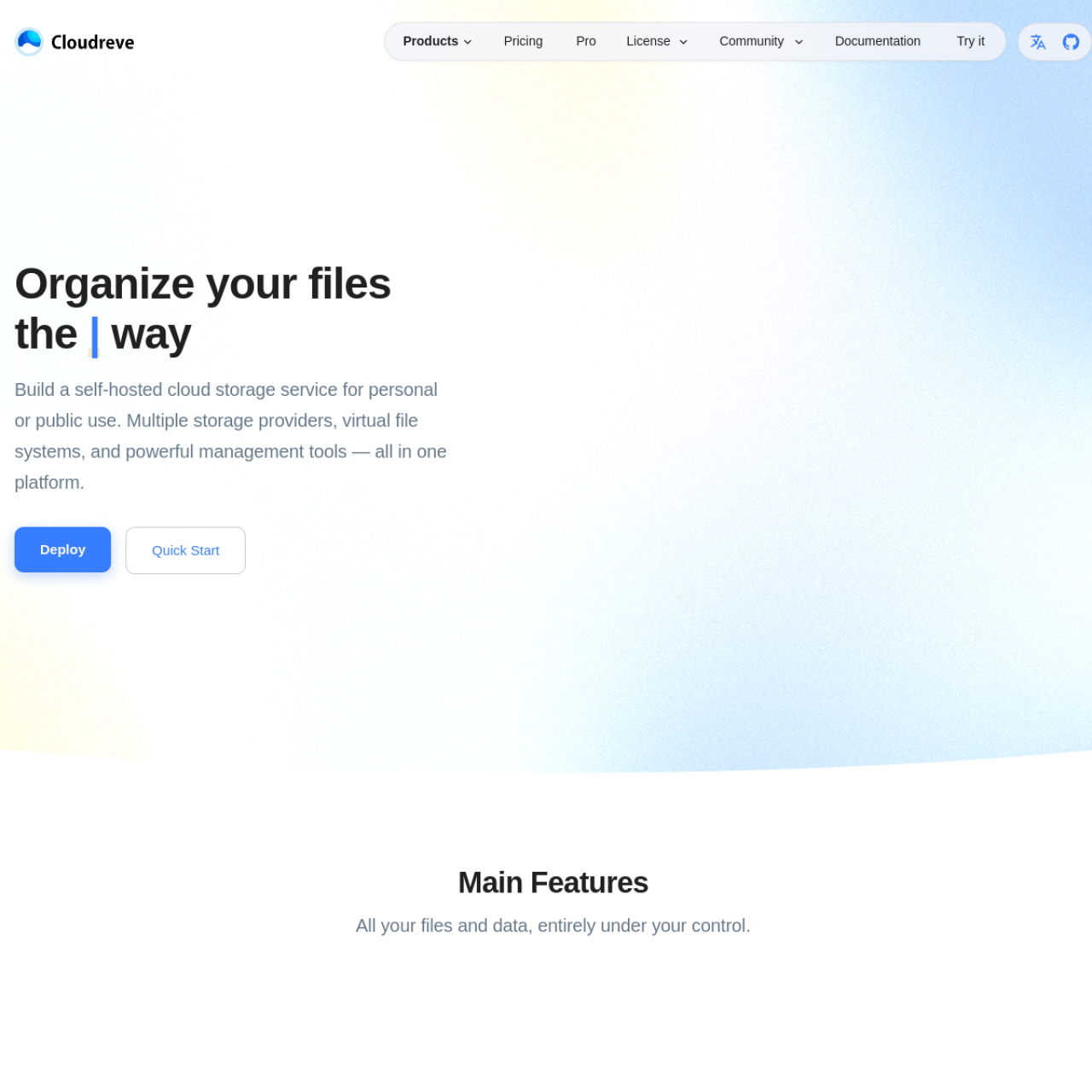
Cloudreve lets you run your own file cloud with browser-based upload, sharing, and access management. It works well for personal storage portals, team file hubs, and controlled client sharing.
Key Features
- Self-Hosted Cloud Storage: Keep your files and metadata on your own infrastructure.
- Public and Private Sharing: Generate links with configurable access settings.
- User and Permission Management: Organize users and control who can access what.
- Remote Upload Workflows: Import files without local re-upload steps.
- Web File Operations: Browse, preview, and manage files directly in the UI.
- Flexible Deployment: Suitable for Docker-based environments.
Why Choose Cloudreve?
- You want cloud-drive convenience without third-party lock-in.
- You need direct control of storage policy and privacy.
- You prefer a polished web interface over raw NAS tooling.
Docker Deployment
Cloudreve is typically deployed with Docker Compose, persistent volumes, and optional reverse proxy access for HTTPS and custom domains.
Getting Started
- Deploy Cloudreve on a Docker host.
- Configure storage backend and environment variables.
- Set up domain + TLS via reverse proxy.
- Create users and sharing policies.
Full Setup Guide
For the full deployment tutorial, read: Cloudreve Docker Setup.