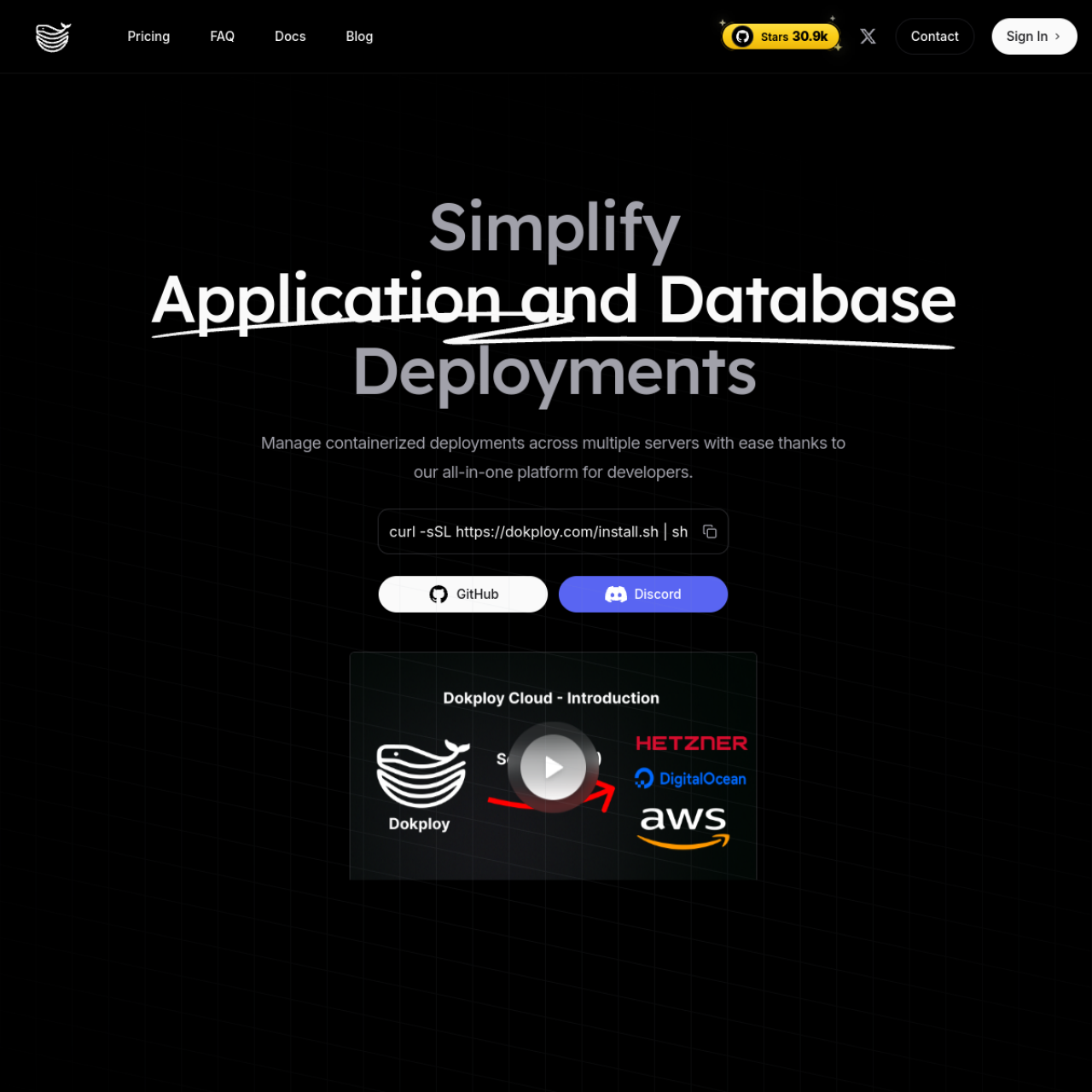
Dokploy delivers a self-hosted PaaS-style workflow on top of Docker, making service deployment and environment management easier for small teams and solo operators.
Key Features
- Project-Centric Workflow: Organize applications by project and environment.
- Compose Deployment Support: Run compose-based stacks with UI-driven controls.
- Domains and TLS: Attach domains and manage HTTPS setup from the platform.
- Environment Variables: Configure per-service runtime settings clearly.
- Team Operations: Coordinate deployments with a shared interface.
- Self-Hosted Platform Layer: Keep full control of runtime and data.
Why Choose Dokploy?
- You want simpler app operations without giving up self-hosting.
- You deploy many small services and need consistent workflow.
- You want a Heroku-like experience on your own server.
Docker Deployment
Dokploy itself runs in Docker and is commonly fronted by a reverse proxy. Plan persistent storage for service metadata and deployment state.
Getting Started
- Install Dokploy on a VPS or dedicated host.
- Create projects and add services.
- Configure domains, environment variables, and TLS.
- Deploy and monitor app health from the dashboard.
Full Setup Guide
Use the full installation tutorial here: Dokploy Install Guide.