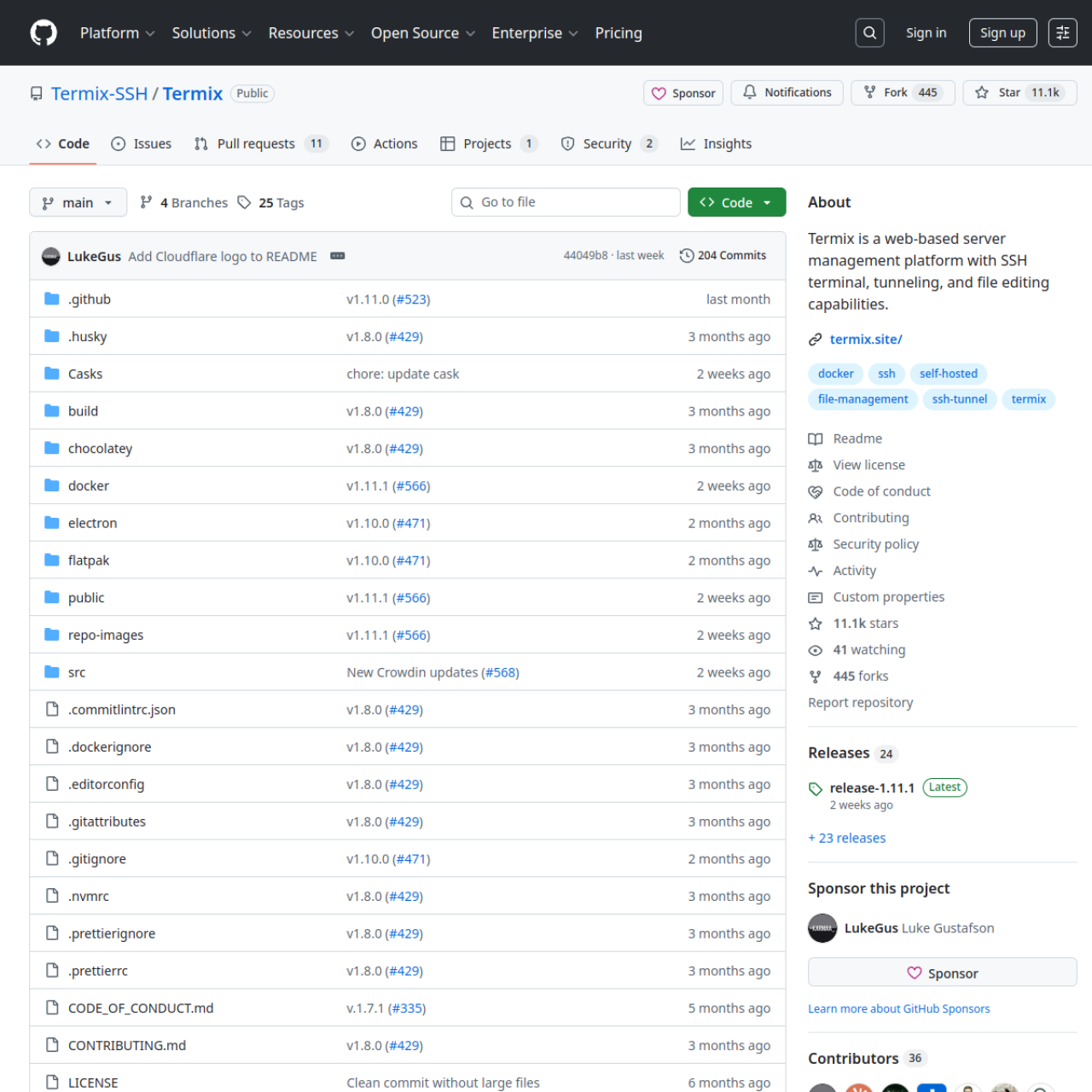
Termix gives you a centralized SSH workspace that makes remote server access easier to manage across multiple hosts and users.
Key Features
- SSH Endpoint Management: Keep all server connections organized in one place.
- Browser-Based Terminal: Access shell sessions without local SSH client setup.
- Host Grouping and Structure: Organize machines by role, environment, or team.
- Session Handling: Improve operational flow for routine admin tasks.
- Team Access Patterns: Better collaboration than ad-hoc key sharing.
- Self-Hosted Security Control: Keep credentials and access path internal.
Why Choose Termix?
- You manage many hosts and want cleaner SSH operations.
- You need a web-accessible server console for teams.
- You want to reduce friction in day-to-day infrastructure tasks.
Docker Deployment
Deploy Termix in Docker with persistent storage for configuration and credentials. Place behind a reverse proxy with TLS for production use.
Getting Started
- Deploy Termix on your Docker host.
- Add SSH endpoints and credential strategy.
- Configure user access policy.
- Begin managing sessions from the web interface.
Full Setup Guide
For full deployment instructions, follow: Termix Self-Host Guide.