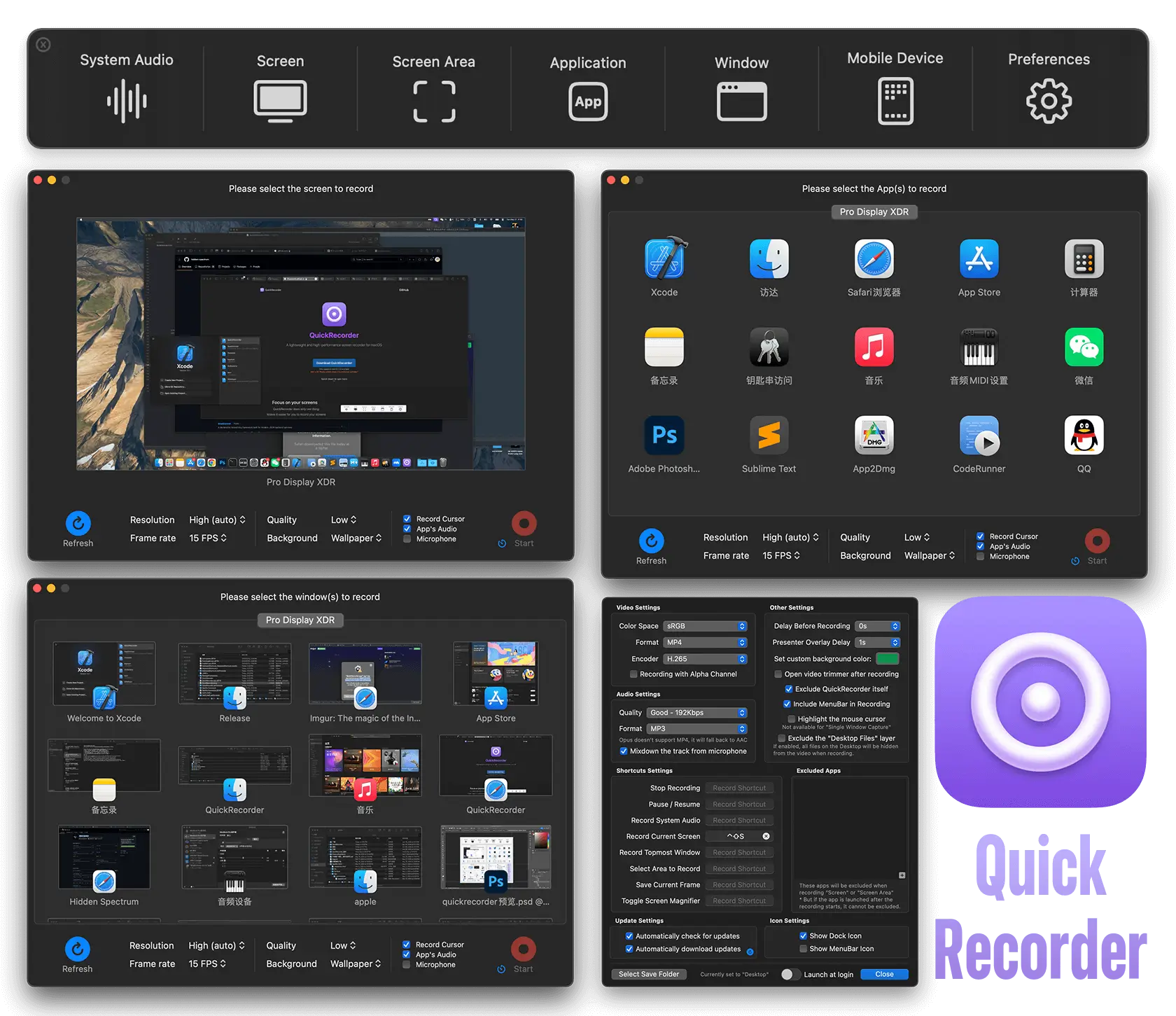
Need to capture your screen without the headache of complicated setups or extra downloads? QuickRecorder is your Mac’s new best friend—a free, open-source app that makes recording as easy as a click. Whether you’re demoing an app, grabbing a full screen, or mirroring your iPhone, this lightweight tool has you covered with crystal-clear results. It taps macOS’s ScreenCapture Kit to snag system audio without pesky drivers (on macOS 13+), and throws in a slick presenter overlay with your camera for tutorials or talks (macOS 14+). Perfect for creators whipping up quick videos, teachers sharing lessons, or anyone who wants a no-fuss recorder, QuickRecorder keeps it simple, powerful, and driver-free—all wrapped in a tidy, macOS-native package.
Why You’ll Love It
- Grab It All: Record screens, windows, or apps with ease.
- Sound Simple: Catch system audio, no extra drivers (macOS 13+).
- Camera Pop: Add your face with a presenter overlay (macOS 14+).
What It Offers
- Record Flex: Capture one screen, multiple, or even iOS devices.
- Audio Win: System sound recording, driver-free on macOS 13+.
- Presenter Perks: Overlay camera feed or traditional view options.
- Mac Smarts: Built on ScreenCapture Kit for smooth performance.
- Free & Light: Open-source, lean, and ready to roll.
Perfect For
- Creators: Record tutorials or demos fast.
- Teachers: Share lessons with a personal touch.
- Techies: Demo apps or snag iOS screens.
- Simplicity Fans: Love a tool that just works.
Get Started
- Download: Snag it free from QuickRecorder.
- Install: Drag it to Applications and launch.
- Record: Pick your screen, hit record, and go.
- Share: Add your camera or audio, then save your clip.
System Requirements
- macOS 12.3 (Monterey) or higher
- 4GB RAM minimum
- Works on Intel and Apple Silicon Macs
- macOS 13+ for driver-free audio
- macOS 14+ for presenter overlay