
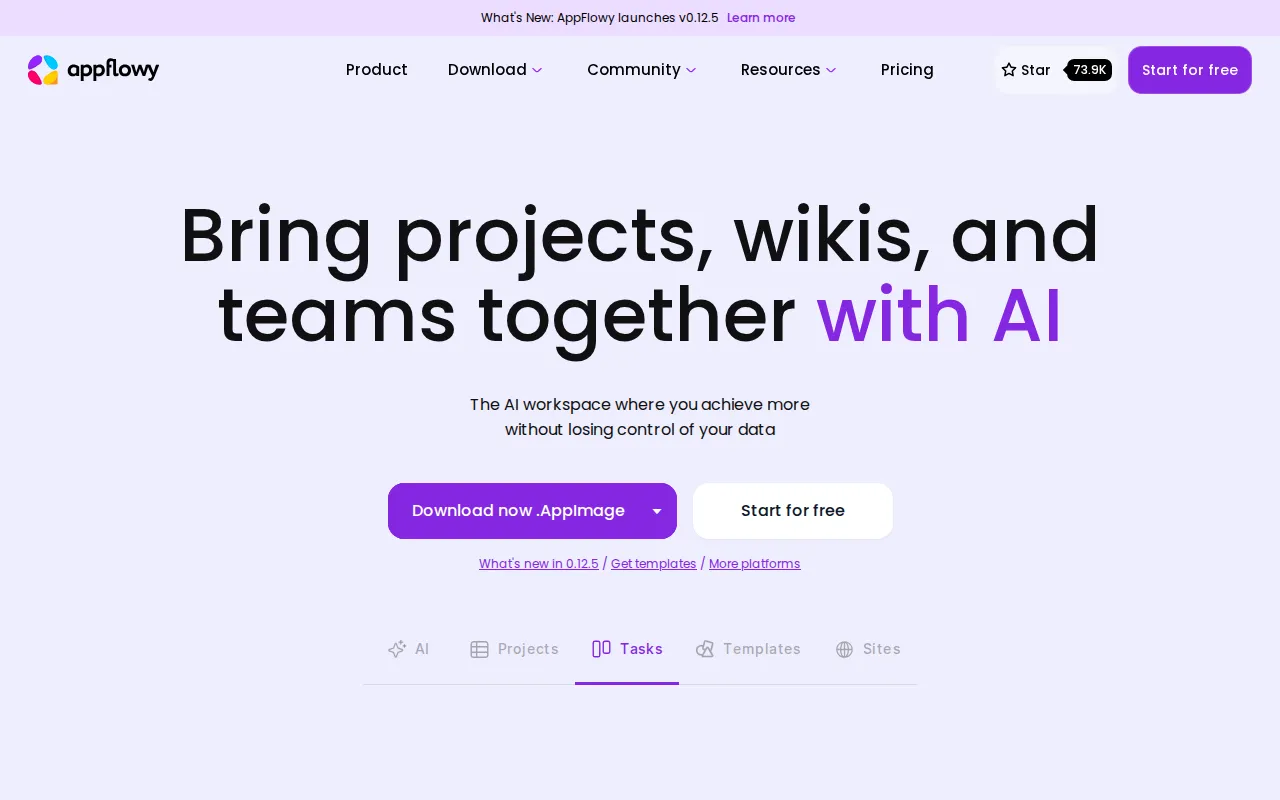
AppFlowy is an open-source, local-first alternative to Notion. You get documents, databases, kanban boards, calendars, and more in a workspace that can stay on your device—or sync through self-hosted AppFlowy Cloud for teams.
Key Features
- Rich Documents: Slash commands, blocks, embeds, and structured writing.
- Databases: Grid, board, calendar, and gallery views over the same data.
- Local-First: Works offline; your content isn’t trapped in a single SaaS tenant by default.
- AppFlowy Cloud: Optional self-hosted sync for multi-device and collaboration.
- Clients: Desktop apps plus mobile options connecting to your cloud.
- Open Core: AGPL-licensed codebase you can audit and extend.
Why Choose AppFlowy?
- Notion pricing and data lock-in don’t fit privacy or budget goals.
- You want a real desktop app, not only a browser tab.
- Teams need collaboration without giving a vendor every note.
- Flutter/Rust stack that feels modern and actively developed.
Docker Deployment
Desktop-only use needs no server. For self-hosted sync, deploy AppFlowy Cloud (Postgres, Redis, MinIO, and app services). See official self-hosting docs for the current compose:
# Follow AppFlowy Cloud self-hosting guide
# https://docs.appflowy.io/ (self-hosting section)
Getting Started
- Install the desktop app for a local-only trial.
- Optional: deploy AppFlowy Cloud for multi-device sync.
- Create a workspace, pages, and a first database.
- Invite collaborators if cloud is enabled.
- Export or back up workspace data on a schedule.
Full Setup Guide
Product site: appflowy.com. Source: github.com/AppFlowy-IO/AppFlowy. For VPS Docker patterns, see Dokploy install.