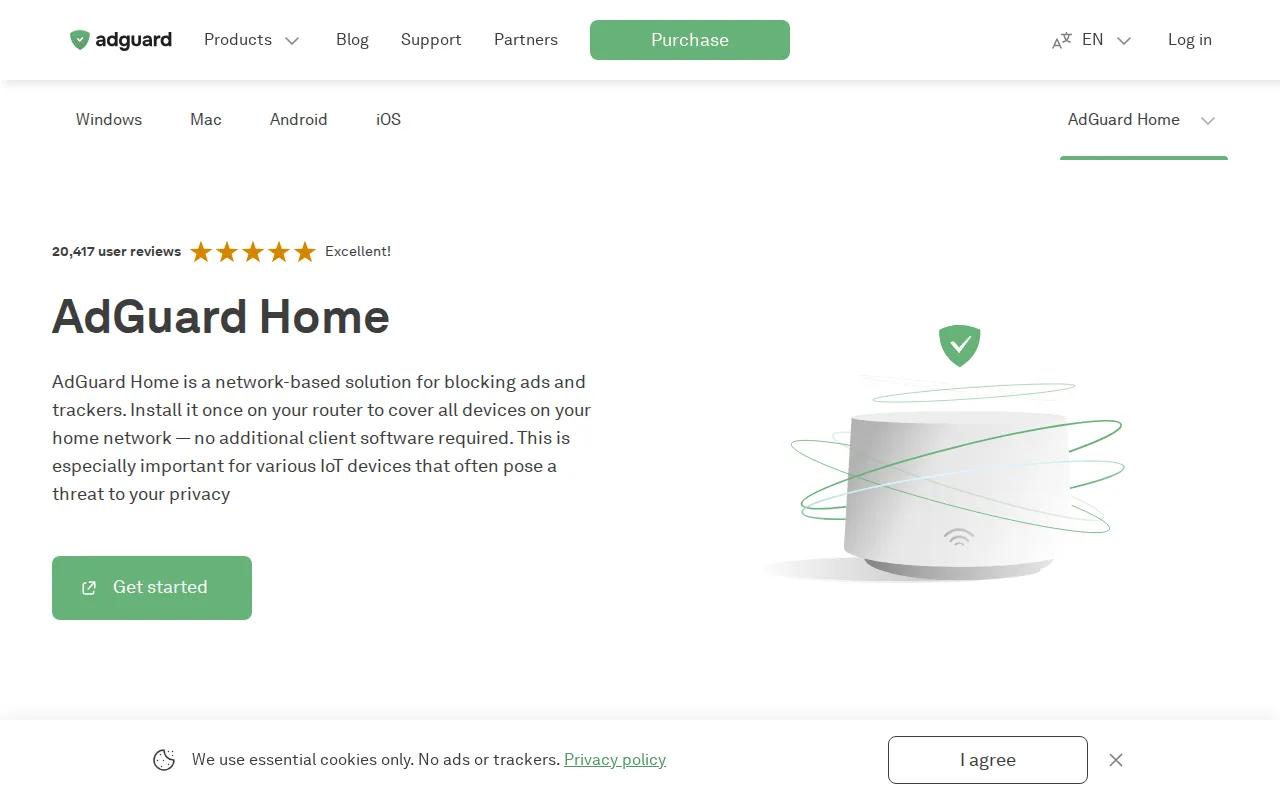
AdGuard Home is a network-wide DNS sinkhole and resolver UI. Point your router (or devices) at it and block ads/trackers for phones, TVs, and laptops without installing an extension on every browser—similar to Pi-hole, with AdGuard’s filtering ecosystem.
Key Features
- DNS Filtering: Block domains used for ads, trackers, and malware lists you choose.
- Network Coverage: One server protects every client that uses it for DNS.
- Dashboard: Query logs, top clients, and blocked request stats.
- Lists & Rules: Community blocklists plus custom allow/deny rules.
- Extras: Optional parental controls and safe search enforcement.
- Self-Hosted: Binary or Docker on a Pi, mini PC, or VPS.
Why Choose AdGuard Home?
- Browser extensions miss apps and smart TVs.
- NextDNS is great but is a third-party DNS cloud.
- Pi-hole is fine; AdGuard Home is another polished, actively maintained option.
- Pair with a VPN (e.g. NetBird/Headscale) for on-the-go filtering.
Docker Deployment
services:
  adguardhome:
    image: adguard/adguardhome:latest
    container_name: adguardhome
    restart: unless-stopped
    ports:
      - "53:53/tcp"
      - "53:53/udp"
      - "3000:3000/tcp"   # initial setup UI
      - "80:80/tcp"       # admin UI (after setup)
    volumes:
      - adguard-work:/opt/adguardhome/work
      - adguard-conf:/opt/adguardhome/conf

volumes:
  adguard-work:
  adguard-conf:
Complete the setup wizard, then set router DHCP DNS to the host IP. Port 53 often needs host networking or careful conflict handling with systemd-resolved.
Getting Started
- Deploy AdGuard Home and finish the wizard.
- Point one test device’s DNS at the server.
- Browse and confirm blocks in the query log.
- Add blocklists you trust; avoid overblocking.
- Roll out via router DHCP for the whole LAN.
Full Setup Guide
AdGuard Home overview · GitHub. Related: Headscale guide on BitDoze for remote DNS patterns.