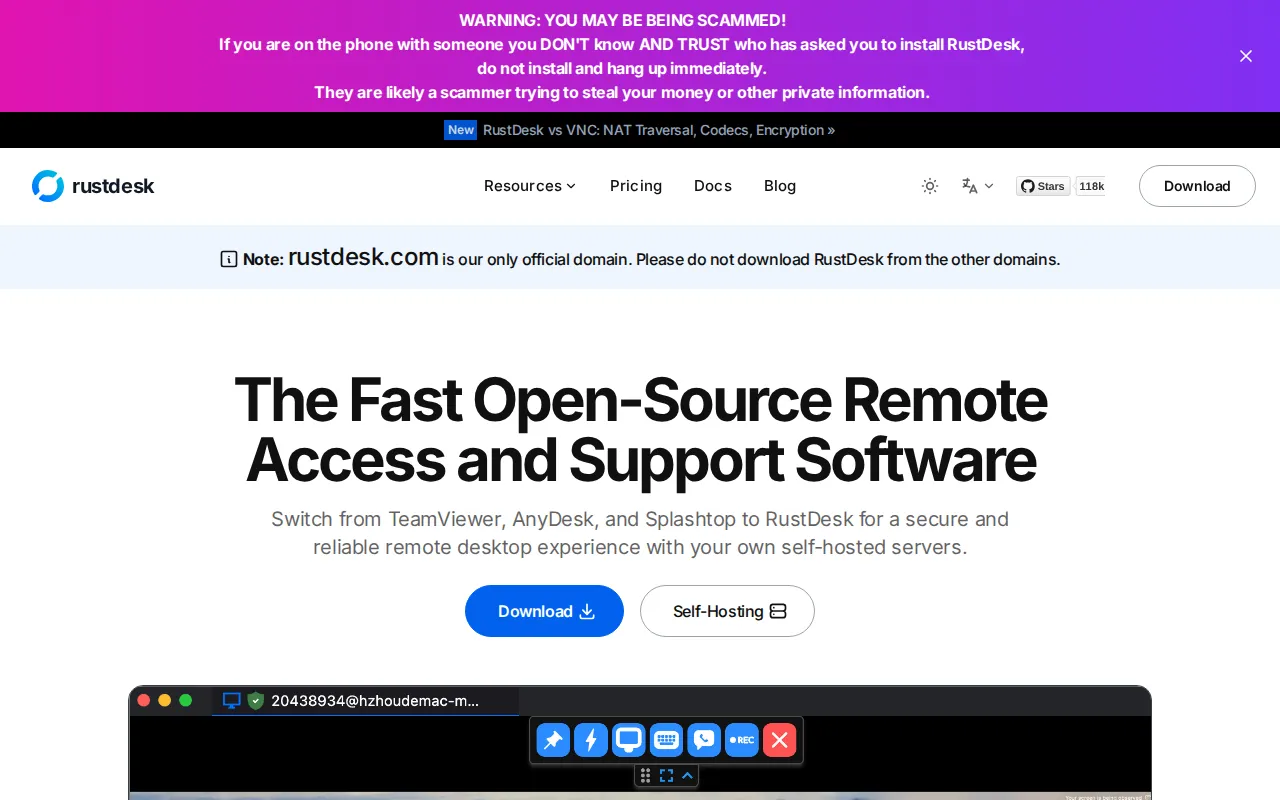
RustDesk is an open-source remote desktop stack. Clients run on Windows, macOS, and Linux; you can self-host the ID and relay servers so session traffic stays on infrastructure you trust—unlike default TeamViewer/AnyDesk clouds.
Key Features
- Cross-Platform Clients: Control desktops across major OS families.
- Self-Hosted Backend:
hbbs/hbbr(or Docker images) for ID + relay. - Performance: Rust codebase aimed at responsive sessions.
- Extras: File transfer, clipboard, and unattended access patterns.
- Address Book: Organize devices for family or small MSP-style use.
- Open Source: Audit clients and server components.
Why Choose RustDesk?
- TeamViewer licensing and popups are painful for personal labs.
- You help family PCs and want something free you control.
- Compliance prefers remote access that does not hairpin through a vendor.
- Complements HopToDesk (Mac catalog) with a full self-host story.
Docker Deployment
services:
  hbbs:
    image: rustdesk/rustdesk-server:latest
    command: hbbs
    volumes:
      - rustdesk-data:/root
    network_mode: host
    restart: unless-stopped
  hbbr:
    image: rustdesk/rustdesk-server:latest
    command: hbbr
    volumes:
      - rustdesk-data:/root
    network_mode: host
    restart: unless-stopped

volumes:
  rustdesk-data:
Point clients at your server’s public key / host settings (see current RustDesk self-host docs for ports and encryption keys).
Getting Started
- Deploy ID + relay servers and open required ports.
- Install RustDesk clients on machines you manage.
- Configure each client to use your server.
- Test a session on LAN, then remote.
- Lock down server firewall and keep keys safe.
Full Setup Guide
rustdesk.com · github.com/rustdesk/rustdesk. VPS networking tips on BitDoze.