
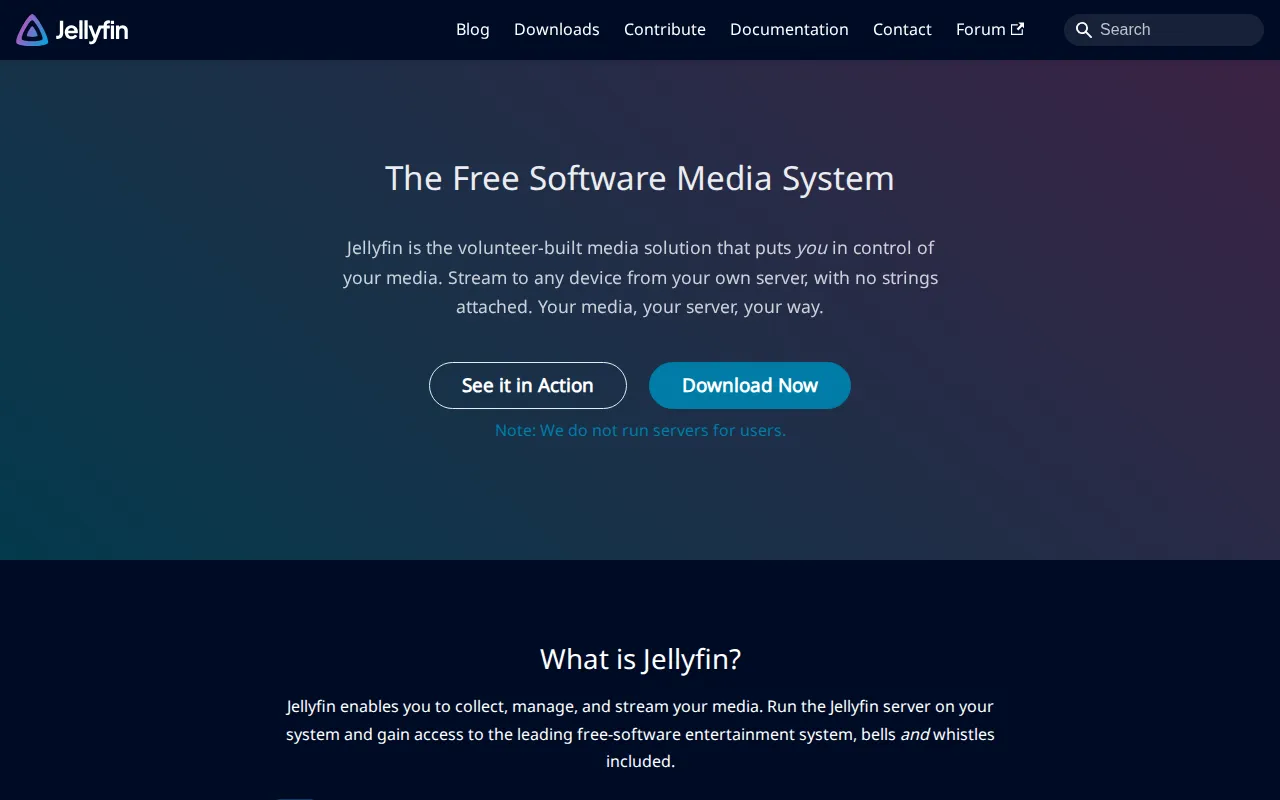
Jellyfin is a fully free, open-source media system. Point it at your movie, show, and music folders and stream to browsers, phones, smart TVs, and game consoles—without Plex Pass, mandatory accounts, or proprietary lock-in.
Key Features
- Media Libraries: Automatic metadata for movies, series, music, and more.
- Wide Clients: Official and community apps across platforms.
- Transcoding: CPU/GPU transcoding for remote or weak clients.
- Multi-User: Profiles, watch history, and parental controls.
- Plugins: Subtitles, metadata providers, and extras from the community.
- Truly Free: No paid tier required for core streaming features.
Why Choose Jellyfin?
- Plex’s free tier keeps shrinking features behind paywalls.
- You already store media on a NAS and want a Netflix-like UI at home.
- Privacy-minded households prefer no phoning home.
- Works great on mini PCs and homelab hardware.
Docker Deployment
services:
  jellyfin:
    image: jellyfin/jellyfin:latest
    container_name: jellyfin
    restart: unless-stopped
    ports:
      - "8096:8096"
    volumes:
      - jellyfin-config:/config
      - jellyfin-cache:/cache
      - /path/to/media:/media:ro
    # devices: # optional GPU passthrough for transcoding
    #   - /dev/dri:/dev/dri

volumes:
  jellyfin-config:
  jellyfin-cache:
Open port 8096, complete the wizard, and add library paths.
Getting Started
- Deploy Jellyfin and finish the setup wizard.
- Add libraries for movies, TV, and music.
- Create user accounts for family members.
- Install clients on TVs and phones.
- Optional: reverse proxy + auth for remote access.
Full Setup Guide
jellyfin.org · Docker image jellyfin/jellyfin. Homelab media notes also appear across BitDoze home server guides.