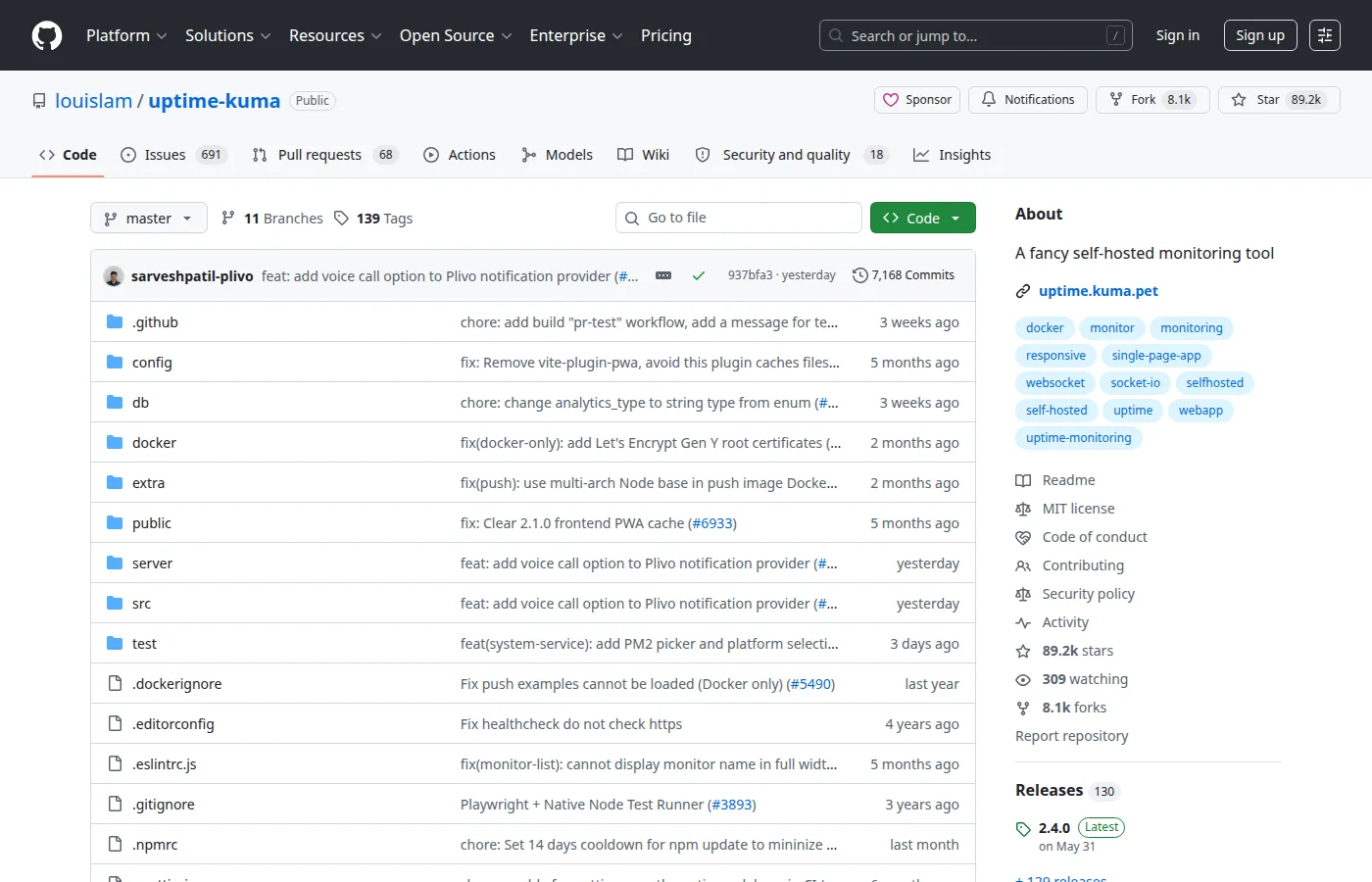
Uptime Kuma is a self-hosted uptime monitoring application with a polished UI. It watches whether your sites and services are reachable from the outside—HTTP(S), DNS, TCP, ping, Docker containers, and more—and notifies you when something fails. Perfect alongside resource monitors like Beszel.
Key Features
- Many Monitor Types: HTTP(S), keyword checks, TCP ports, DNS, Docker, and more.
- SSL Monitoring: Alert before certificates expire.
- Status Pages: Public or internal status pages for users and teams.
- Notifications: Email, Slack, Discord, Telegram, Gotify, webhooks, and dozens more.
- Maintenance Windows: Silence alerts during planned work.
- Easy Ops: Single Docker image, SQLite by default, quick Coolify/Dokploy templates.
Why Choose Uptime Kuma?
- SaaS uptime tools charge per monitor or hide features behind plans.
- You want a status page you host yourself.
- Homelab and VPS stacks need simple external checks, not full Prometheus.
- Pairs perfectly with Beszel (internal metrics + external availability).
Docker Deployment
services:
  uptime-kuma:
    image: louislam/uptime-kuma:1
    container_name: uptime-kuma
    restart: unless-stopped
    volumes:
      - uptime-kuma-data:/app/data
    ports:
      - "3001:3001"

volumes:
  uptime-kuma-data:
Open http://localhost:3001, create the admin user, add monitors, and put HTTPS in front for production.
Getting Started
- Deploy the container and create an admin account.
- Add HTTP monitors for every public site and API.
- Configure email or chat notifications and test them.
- Build a status page for optional public sharing.
- Optionally monitor Docker containers via the socket.
Full Setup Guide
For Coolify one-click and VPS install walks: How To Deploy Uptime Kuma With One Click and How To Install Uptime Kuma. For a full stack with Beszel on Dokploy: Beszel & Uptime Kuma Setup on Dokploy.