
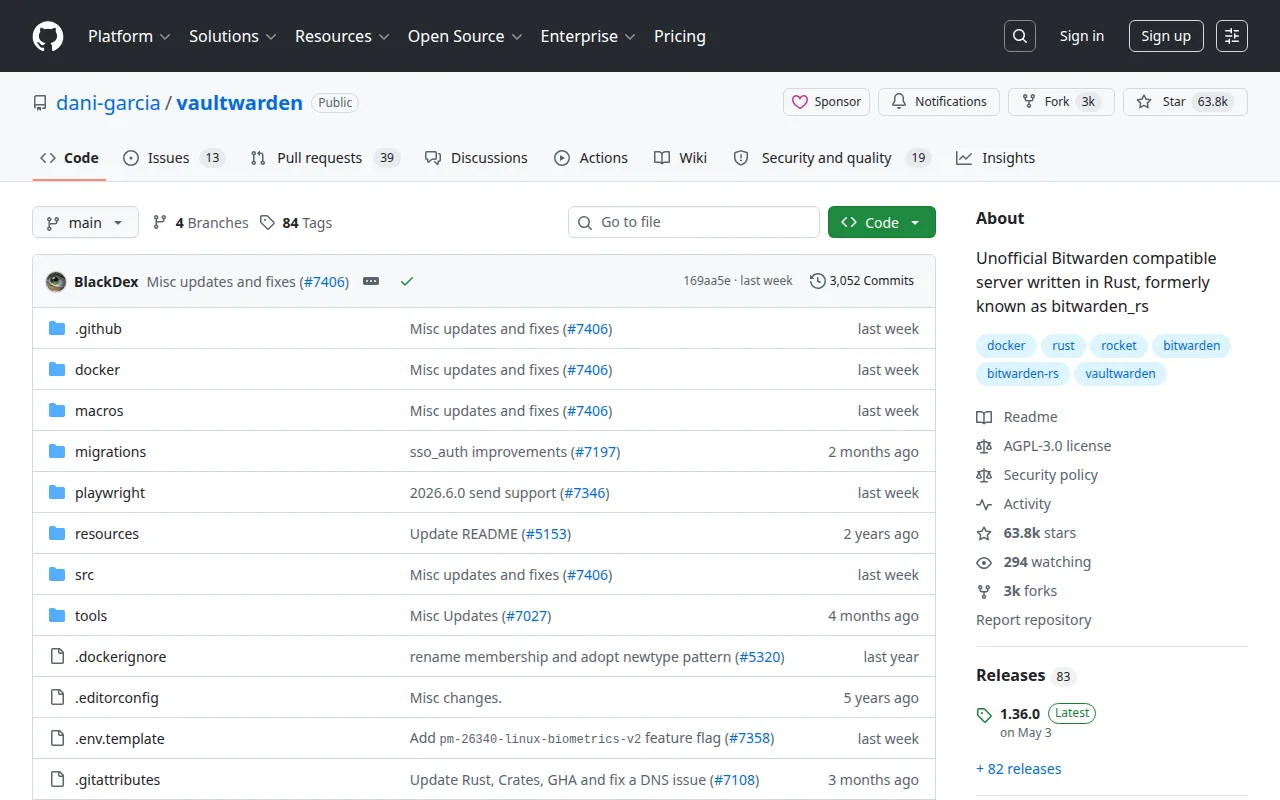
Vaultwarden is a community-maintained, Bitwarden-compatible API server written in Rust. Point official Bitwarden apps (browser, desktop, mobile) at your instance and keep vaults, passkeys, and shared items on your infrastructure—with far lower resource use than the full Bitwarden stack.
Key Features
- Client Compatibility: Works with official Bitwarden clients and many third-party apps.
- Lightweight: Single small Docker image; ideal for a $5 VPS or homelab Pi.
- Vault Basics: Logins, notes, cards, identities, folders, and collections.
- Security Options: 2FA, passkeys, emergency access patterns (client-side), HTTPS via reverse proxy.
- Organizations: Share vaults with family or a small team.
- Sends & Attachments: Temporary secure sends and file attachments (configure size limits).
Why Choose Vaultwarden?
- You want Bitwarden’s UX without Bitwarden Cloud or heavy enterprise packaging.
- Password manager is the first service you self-host for privacy.
- You need multi-device sync with browser extensions.
- Low RAM/CPU budget compared to full Bitwarden server.
Docker Deployment
services:
  vaultwarden:
    image: vaultwarden/server:latest
    container_name: vaultwarden
    restart: unless-stopped
    environment:
      - DOMAIN=https://vault.yourdomain.com
      # - SIGNUPS_ALLOWED=false
      # - ADMIN_TOKEN=generate-a-long-random-token
    volumes:
      - vw-data:/data
    ports:
      - "8080:80"

volumes:
  vw-data:
Put HTTPS in front with Caddy, Traefik, Nginx Proxy Manager, Dokploy, or Coolify. Then in Bitwarden clients, set the server URL to your domain.
Getting Started
- Deploy the container and enable HTTPS.
- Create your account (disable signups after if needed).
- Install Bitwarden browser extensions and mobile apps.
- Import passwords from another manager if migrating.
- Turn on 2FA and back up the data volume regularly.
Full Setup Guide
Project docs: Vaultwarden wiki. Pair with reverse-proxy tutorials on BitDoze when deploying on a VPS.