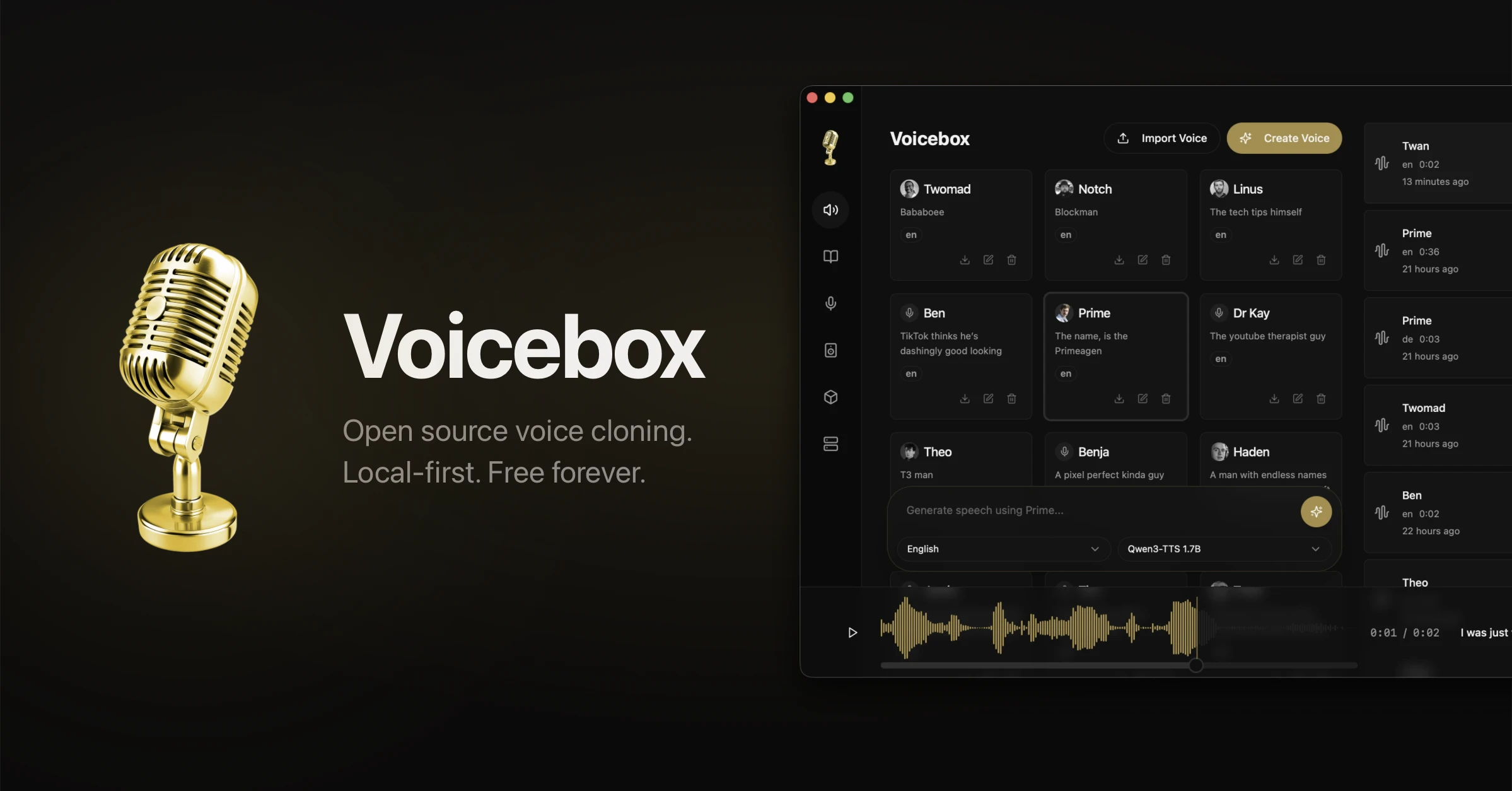
Voicebox is a local-first AI voice studio that combines ElevenLabs-style synthesis and Wispr Flow-style dictation in one free desktop app. Clone voices, generate speech across multiple engines, dictate into any app, and give MCP-aware agents a voice—all while models and audio stay on your machine.
Why You’ll Love It
- Local by default: Voice data, clones, and captures do not need a cloud subscription.
- Full voice I/O loop: Output (TTS/cloning) and input (dictation) live in the same app.
- Serious engine choice: Seven TTS backends for quality, speed, multilingual, and expressive speech.
- Creator-ready tools: Timeline stories editor, effects pipeline, and multi-voice mixing.
- Agent friendly: Talk to MCP-aware agents using voices you own.
What It Offers
- Near-perfect cloning: Zero-shot voice cloning from a few seconds of reference audio.
- 7 TTS engines: Qwen3-TTS, Qwen CustomVoice, LuxTTS, Chatterbox Multilingual, Chatterbox Turbo, HumeAI TADA, and Kokoro.
- Dictation into any app: Global hotkey speech-to-text for system-wide capture.
- Multilingual synthesis: Broad language coverage (including 23+ language support depending on engine).
- Stories editor: Build multi-voice narratives with timeline tracks and clip mixing.
- Audio effects: Pitch shift, reverb, delay, chorus, compression, and filters.
- Cross-platform desktop: Native app downloads for macOS, Windows, and Linux.
Perfect For
- Creators producing podcasts, narration, and multi-character stories locally.
- Privacy-minded users who want ElevenLabs/Wispr-like power without cloud lock-in.
- Developers wiring local voice I/O into agents and automation.
- Power users who want one studio for clone, generate, dictate, and refine.
Get Started
- Download from voicebox.sh or GitHub releases.
- Install the desktop app for your OS.
- Import or clone a voice from a short sample.
- Generate speech or enable dictation with a global hotkey.
- Optional: Connect MCP agents and use your chosen voice profile.
System Requirements
- macOS, Windows, or Linux desktop
- Enough local disk/RAM for selected speech models
- Microphone access for dictation/capture workflows