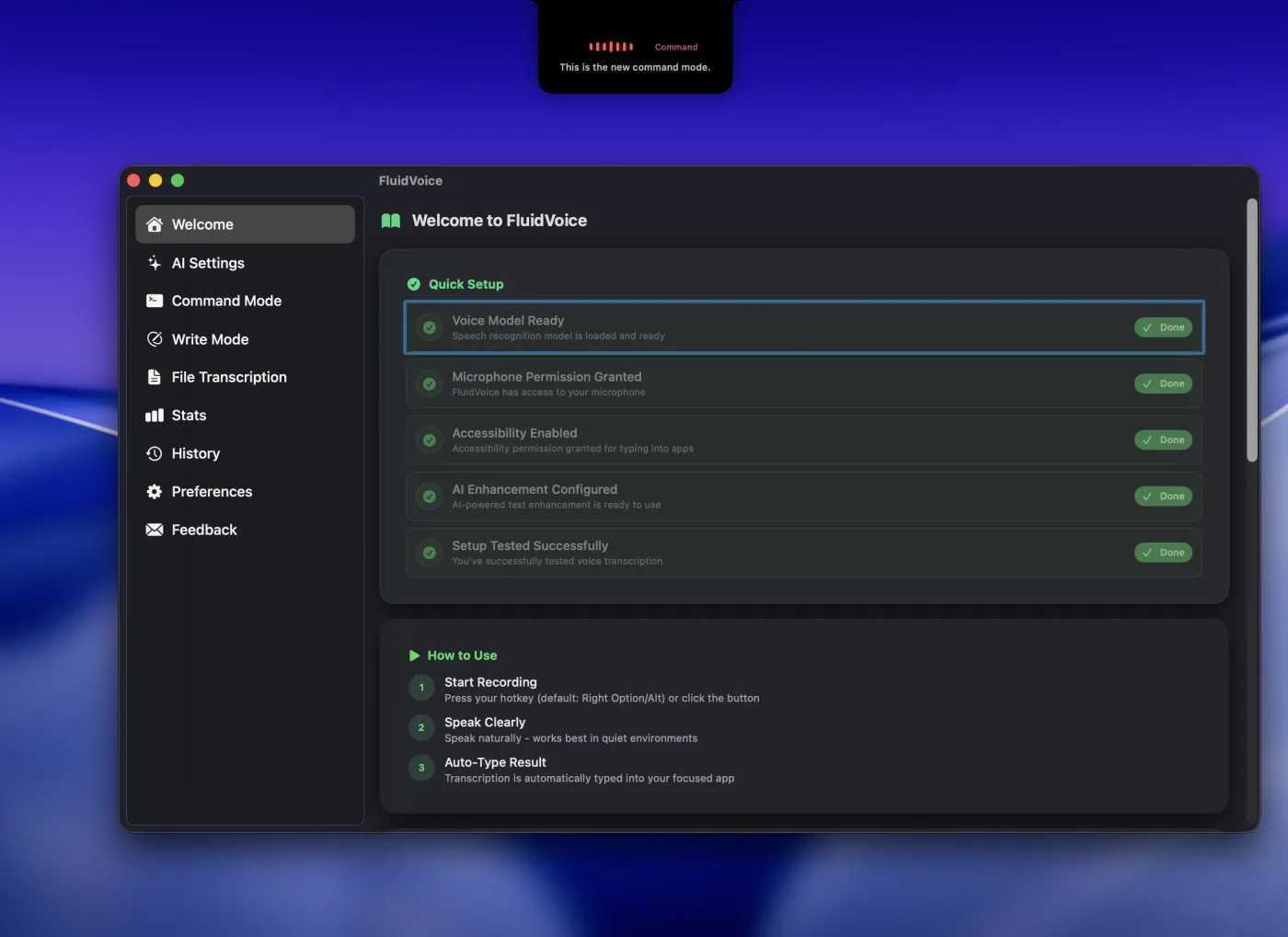
Need to type faster without sending every word to the cloud? FluidVoice is a free, open-source macOS dictation app that keeps speech-to-text local. Press a global hotkey, speak into any app, and text lands where your cursor is—mail, docs, Slack, terminals, code editors, the works. It pairs fast local speech models (Nemotron, Parakeet, Whisper, Apple Speech, and more) with optional Fluid Intelligence, an on-device AI layer that polishes formatting, casing, and tone without leaving your Mac. Compared with cloud dictation tools like Wispr Flow, FluidVoice is local-first, GPLv3 open source, and free forever. Install with Homebrew (brew install --cask fluidvoice), grant mic and accessibility permissions, pick a model, and start talking.
Why You’ll Love It
- Private by default: Speech models run on-device; nothing leaves your Mac unless you opt into a cloud AI provider.
- Seriously fast: Near-instant transcription with Apple Silicon-optimized models and live preview overlay.
- More than raw STT: Command Mode, Write Mode, and adaptive per-app tone make dictation feel like a real workflow tool.
- Truly free: Open source under GPLv3 with no paid tiers for core dictation.
- Flexible models: Choose speed vs accuracy across Nemotron, Parakeet, Cohere Transcribe, Apple Speech, and Whisper.
What It Offers
- System-wide dictation: One shortcut inserts text into any focused field.
- Fluid Intelligence (optional): Local Fluid-1 model for smart formatting, capitalization, and context-aware post-processing.
- Predefined modes: Write Mode, Command Mode, and Direct Dictation for different tasks.
- Multilingual support: Model-dependent coverage up to 40+ languages (Whisper up to 99).
- AI enhancement options: Use local Fluid Intelligence, or bring OpenAI, Groq, or a custom provider.
- History and stats: Optional local audio history, usage stats, and export tools.
- Mac-native polish: Menu bar app, adaptive theming, notch-aware overlay, auto-updates.
Perfect For
- Privacy-minded Mac users who want voice typing without cloud transcripts.
- Developers dictating into terminals, IDEs, and Claude Code-style workflows.
- Writers and knowledge workers who want Wispr Flow-like speed with local control.
- Multilingual teams that need offline-capable dictation across many languages.
Get Started
- Install:
brew install --cask fluidvoiceor download from GitHub releases. - Permissions: Allow microphone and accessibility access.
- Hotkey: Set a global shortcut for dictation.
- Model: Pick a speech model during onboarding (Apple Speech needs no download).
- Optional: Enable Fluid Intelligence for fully local AI polishing.
System Requirements
- macOS 15.0 Sequoia or later
- Apple Silicon recommended; Intel supported via Whisper
- Microphone + accessibility permissions
- ~1 GB disk for a speech model; ~3.5 GB optional for Fluid Intelligence
Full Setup Guide
For the full Mac dictation walkthrough, read: FluidVoice Mac Dictation Guide.