
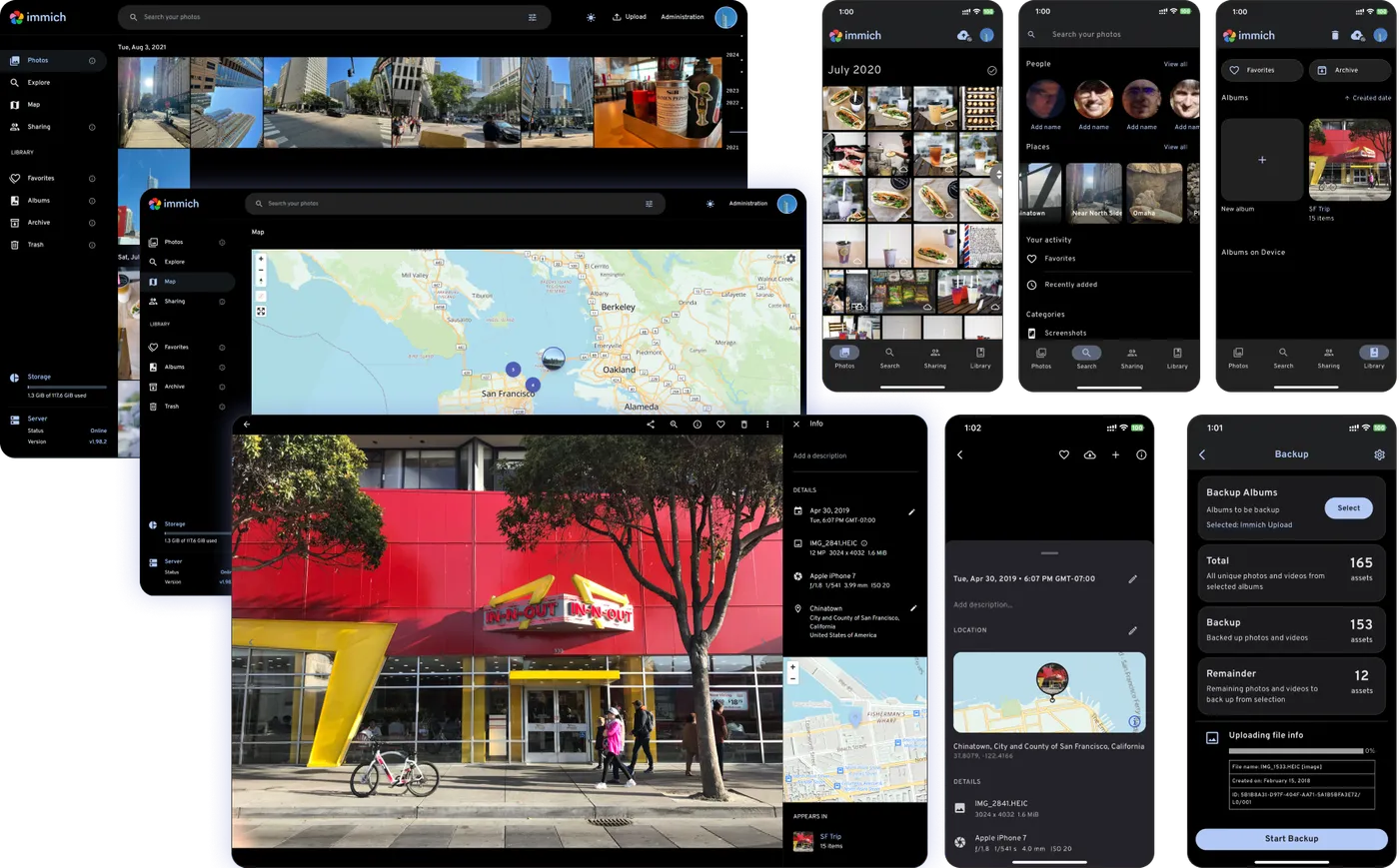
Immich is a high-performance, self-hosted photo and video management platform. It gives you the core Google Photos experience—automatic phone backup, face clusters, shared albums, maps, and full-text search—while keeping media on hardware you control.
Key Features
- Mobile Backup: Official iOS and Android apps upload photos and videos in the background.
- ML Features: Face recognition, object detection, and smart search over your library.
- Timeline & Albums: Familiar chronological views, albums, favorites, and partner sharing.
- Maps & Memories: Location browsing and curated “memories” style views.
- Fast Stack: Modern web UI optimized for large libraries and frequent updates.
- Self-Host First: Official Docker Compose install with clear docs and an active community.
Why Choose Immich?
- You want Google Photos features without sending family photos to a cloud vendor.
- You have a NAS or home server with storage to spare.
- You need real mobile clients, not only a web uploader.
- You prefer open-source software with rapid development and transparent roadmaps.
Docker Deployment
Immich publishes official compose files. Typical quick start:
mkdir immich && cd immich
wget -O docker-compose.yml https://github.com/immich-app/immich/releases/latest/download/docker-compose.yml
wget -O .env https://github.com/immich-app/immich/releases/latest/download/example.env
# edit .env for paths and passwords
docker compose up -d
Open the web UI (default port 2283), create the admin account, then install the mobile apps and point them at your server URL.
Getting Started
- Deploy with Docker Compose and set media / database volumes.
- Create the admin user and optional library users.
- Install Immich on phones and enable backup.
- Explore face clusters, albums, and search.
- Keep an eye on release notes—Immich ships updates often.
Full Setup Guide
Official docs: Immich installation. For reverse-proxy and VPS patterns used with other self-hosted stacks, see BitDoze guides on Docker and Dokploy.