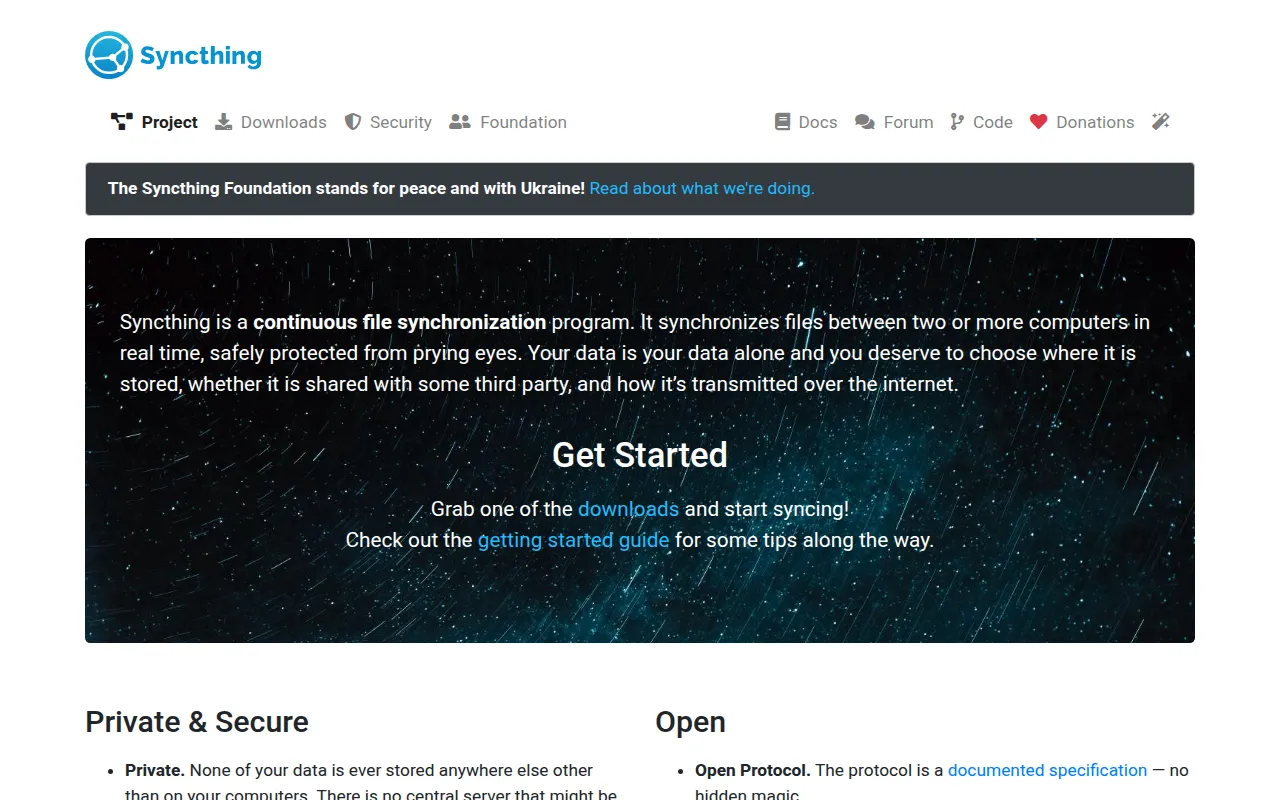
Syncthing keeps folders in sync across laptops, desktops, and servers without Dropbox-style central storage. Devices connect peer-to-peer with encrypted traffic; you choose which folders are shared and with whom.
Key Features
- Continuous Sync: Changes propagate as devices come online.
- No Cloud Required: Direct device-to-device (relays only help NAT when needed).
- Encryption: Traffic protected between nodes.
- Selective Sharing: Share specific folders to specific devices.
- Versioning: Keep old file versions when something is overwritten.
- Everywhere: Native clients and Docker for servers; mobile companions available.
Why Choose Syncthing?
- Dropbox/iCloud fees scale with family data.
- Nextcloud is great but heavier if you only need sync.
- Photos, projects, and configs should mirror across machines privately.
- Homelab classic with decades of reliability.
Docker Deployment
services:
  syncthing:
    image: syncthing/syncthing:latest
    container_name: syncthing
    hostname: syncthing-server
    environment:
      - PUID=1000
      - PGID=1000
    volumes:
      - syncthing-config:/var/syncthing/config
      - /path/to/data:/var/syncthing/data
    ports:
      - "8384:8384"   # Web UI
      - "22000:22000/tcp"
      - "22000:22000/udp"
      - "21027:21027/udp"
    restart: unless-stopped

volumes:
  syncthing-config:
Open the UI on 8384, add devices by ID, then share folders.
Getting Started
- Install Syncthing on two devices.
- Exchange device IDs and approve introductions.
- Share a test folder and confirm sync.
- Add ignore patterns for
node_modules, caches, etc. - Optional: run a always-on NAS/VPS node as a sync hub.
Full Setup Guide
syncthing.net · github.com/syncthing/syncthing. Homelab context: BitDoze home server containers.