
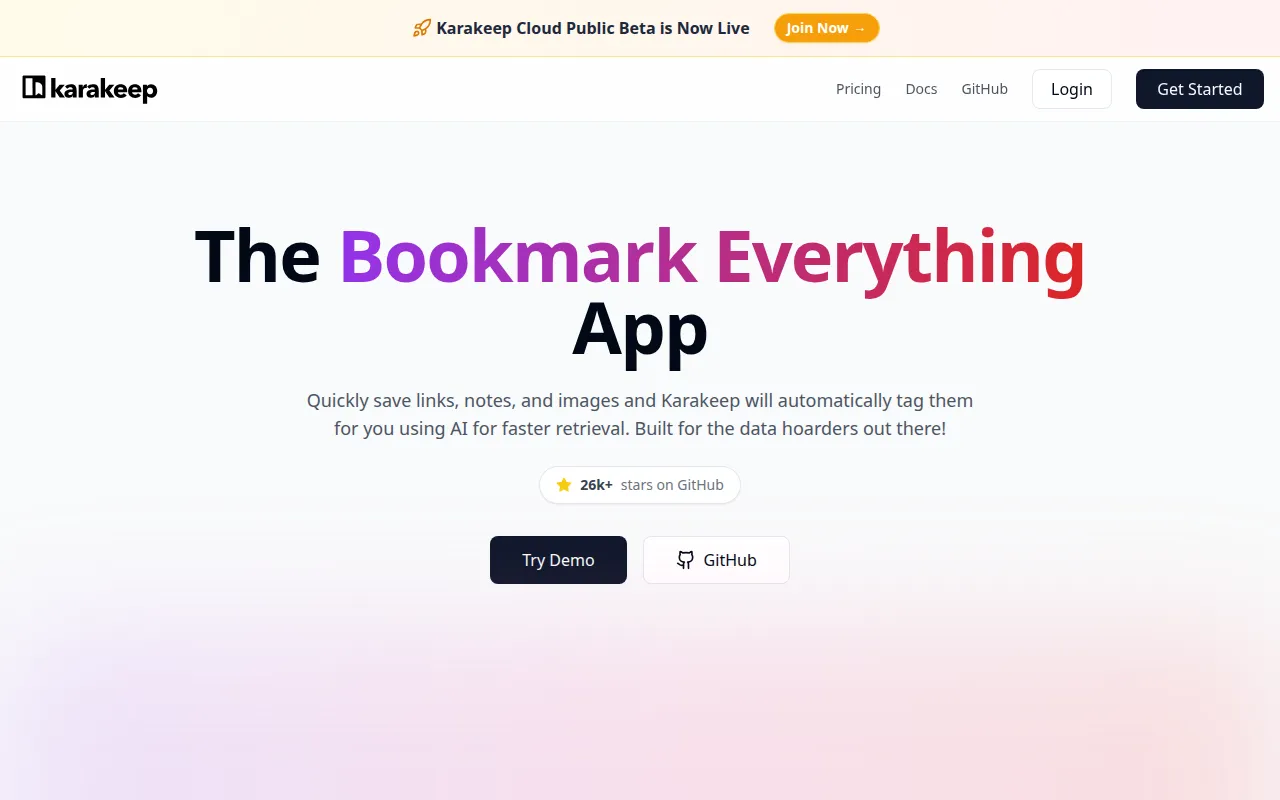
Karakeep (previously Hoarder) is a self-hostable “bookmark everything” app. Drop in URLs, notes, and images; optional AI generates tags and summaries so you can find things later without perfect organization. Built for people who hoard links and hate closed SaaS bookmark tools.
Key Features
- Everything Bucket: Links, notes, images, and more in one library.
- AI Assist: Auto-tagging and summarization via OpenAI or local models (e.g. Ollama).
- Search: Full-text search across saved content and archives.
- Extensions & API: Browser extensions, CLI, REST API, and webhooks.
- Import Paths: Migrate from Chrome, Pocket, Linkwarden, Omnivore, and others.
- Self-Host First: Docker-friendly, SSO options, dark mode.
Why Choose Karakeep?
- Raindrop/Pocket feel limited or expensive once you scale.
- You want AI tagging without sending every bookmark only to a vendor cloud.
- You already run Ollama and want local enrichment.
- You need a modern UI, not a bare linkding-style list.
Docker Deployment
Use the project’s official compose stack (see docs). Conceptually:
git clone https://github.com/karakeep-app/karakeep.git
cd karakeep
# follow docs for docker compose + env (DB, optional AI keys)
docker compose up -d
Configure AI providers in settings for auto-tags, or run without AI for a pure bookmark archive.
Getting Started
- Deploy with Docker and create an account.
- Install the browser extension and pin it.
- Import existing bookmarks if you have a dump.
- Optional: wire Ollama or an API key for tagging.
- Build lists and search instead of endless browser folders.
Full Setup Guide
Docs: docs.karakeep.app. Demo: try.karakeep.app. Deploy on a VPS with Docker using patterns from Dokploy Docker Compose apps.