
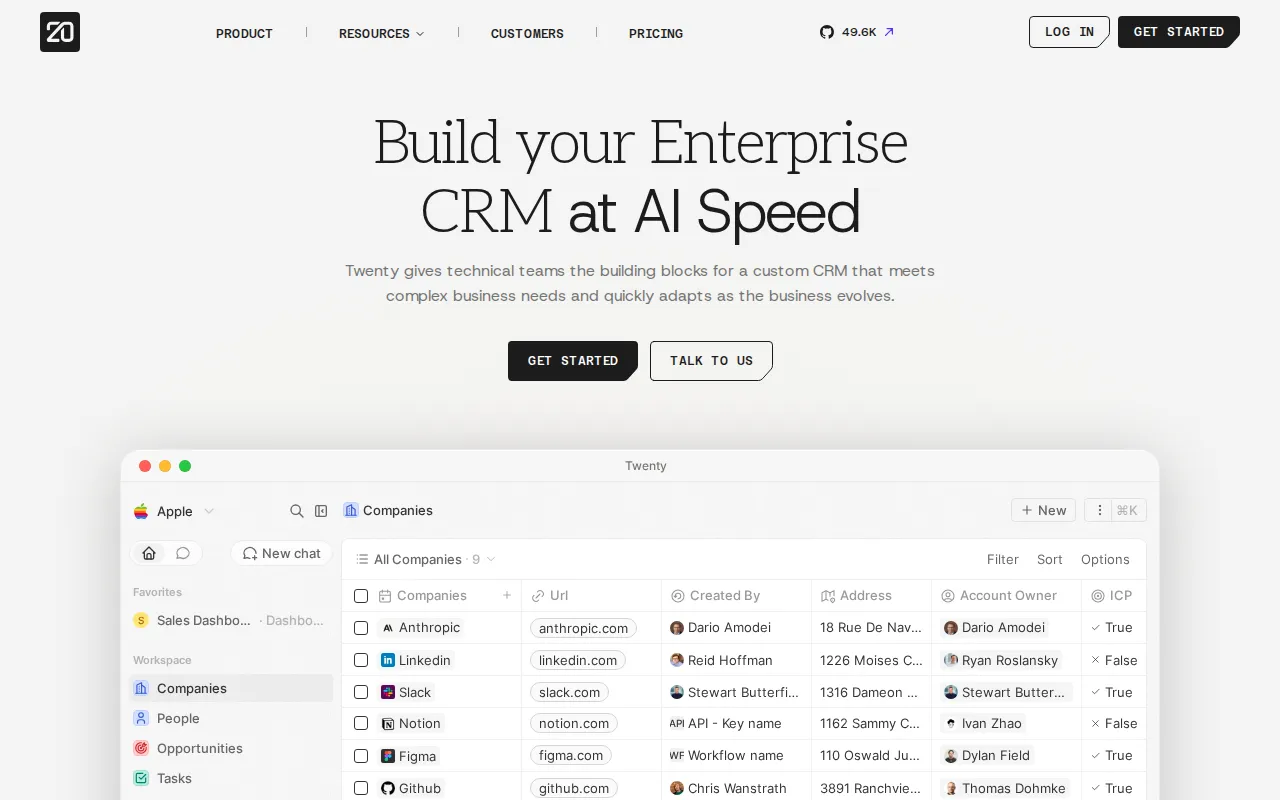
Twenty is a modern, API-first open-source CRM. It focuses on a clean interface for people and companies, deal pipelines, activity timelines, and a flexible data model—without Salesforce complexity or HubSpot seat taxes when you self-host.
Key Features
- Core CRM: People, companies, opportunities, and tasks.
- Pipelines: Kanban views for deals and custom workflows.
- Custom Objects: Extend the data model beyond standard CRM entities.
- Timeline: Calls, notes, emails, and meetings in one place.
- GraphQL API: Strong API surface for automation and integrations.
- Self-Host: Docker Compose with Postgres and Redis.
Why Choose Twenty?
- You need a real CRM, not a spreadsheet pretending to be one.
- Salesforce/HubSpot are overkill or too expensive for the team size.
- Developers want a modern stack and API access.
- Data residency and ownership matter for customer records.
Docker Deployment
Follow Twenty’s official self-hosting guide (app + worker + Postgres + Redis). Conceptually:
# See https://twenty.com/developers or GitHub self-hosting docs
# docker compose typically includes:
# - twentycrm/twenty (server)
# - worker
# - postgres
# - redis
Set strong secrets, put HTTPS in front, and create the first workspace admin.
Getting Started
- Deploy the compose stack and open the web UI.
- Create the workspace and invite sales/ops users.
- Import contacts or connect email if available in your version.
- Build a pipeline board and custom fields you actually use.
- Use the API for n8n/Activepieces automation later.
Full Setup Guide
twenty.com · github.com/twentyhq/twenty. Deploy with Docker Compose patterns from BitDoze Dokploy guides.