
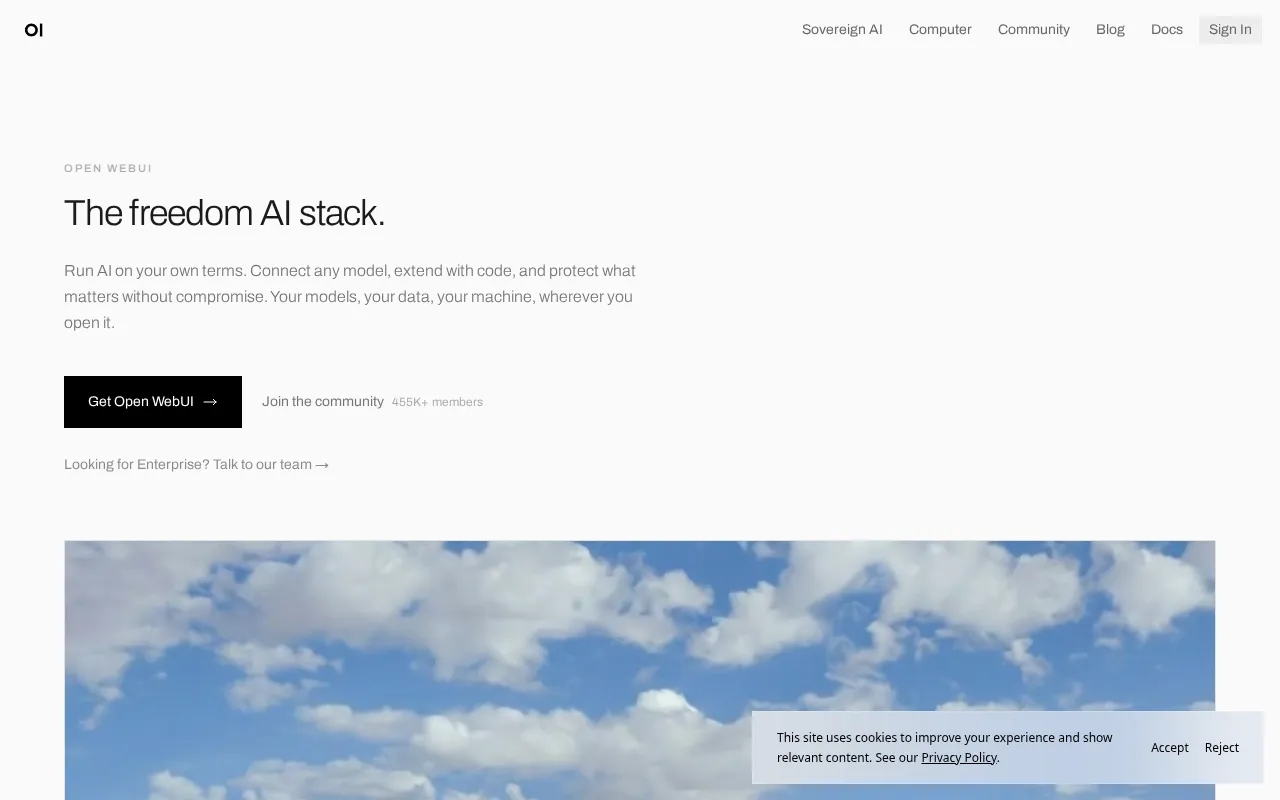
Open WebUI (formerly Ollama WebUI) is a self-hosted, ChatGPT-like frontend for local and remote LLMs. Connect Ollama, LiteLLM, or any OpenAI-compatible endpoint and get conversations, document RAG, multi-user access, and extensions—without depending on a single vendor chat product.
Key Features
- Familiar Chat UX: Models, threads, and a clean interface users already understand.
- Flexible Backends: Ollama, OpenAI, Azure, Groq, or your LiteLLM proxy.
- RAG: Upload documents and chat with your own knowledge base.
- Multi-User: Auth and shared or private workspaces for teams.
- Extensible: Tools, functions, and pipeline-style integrations.
- Easy Hosting: Official Docker images for quick VPS deploys.
Why Choose Open WebUI?
- You run Ollama or LiteLLM and need a proper UI, not only CLI.
- ChatGPT is fine until data residency or cost becomes an issue.
- Teams want shared access to local models with accounts.
- Pairs with ToolHunt entries like Ollama (Mac), LiteLLM, and Langfuse.
Docker Deployment
docker run -d \
  --name open-webui \
  -p 3000:8080 \
  -v open-webui:/app/backend/data \
  --add-host=host.docker.internal:host-gateway \
  ghcr.io/open-webui/open-webui:main
Or use Docker Compose and set OLLAMA_BASE_URL / OpenAI-compatible env vars for your backend. See project docs for GPU and multi-service layouts.
Getting Started
- Deploy Open WebUI and create the first admin user.
- Connect Ollama (same host or remote) or an API key backend.
- Pull models and start a chat.
- Optional: enable document upload for RAG.
- Invite users and set permissions.
Full Setup Guide
openwebui.com · github.com/open-webui/open-webui. For local models, see Ollama Docker install on BitDoze.