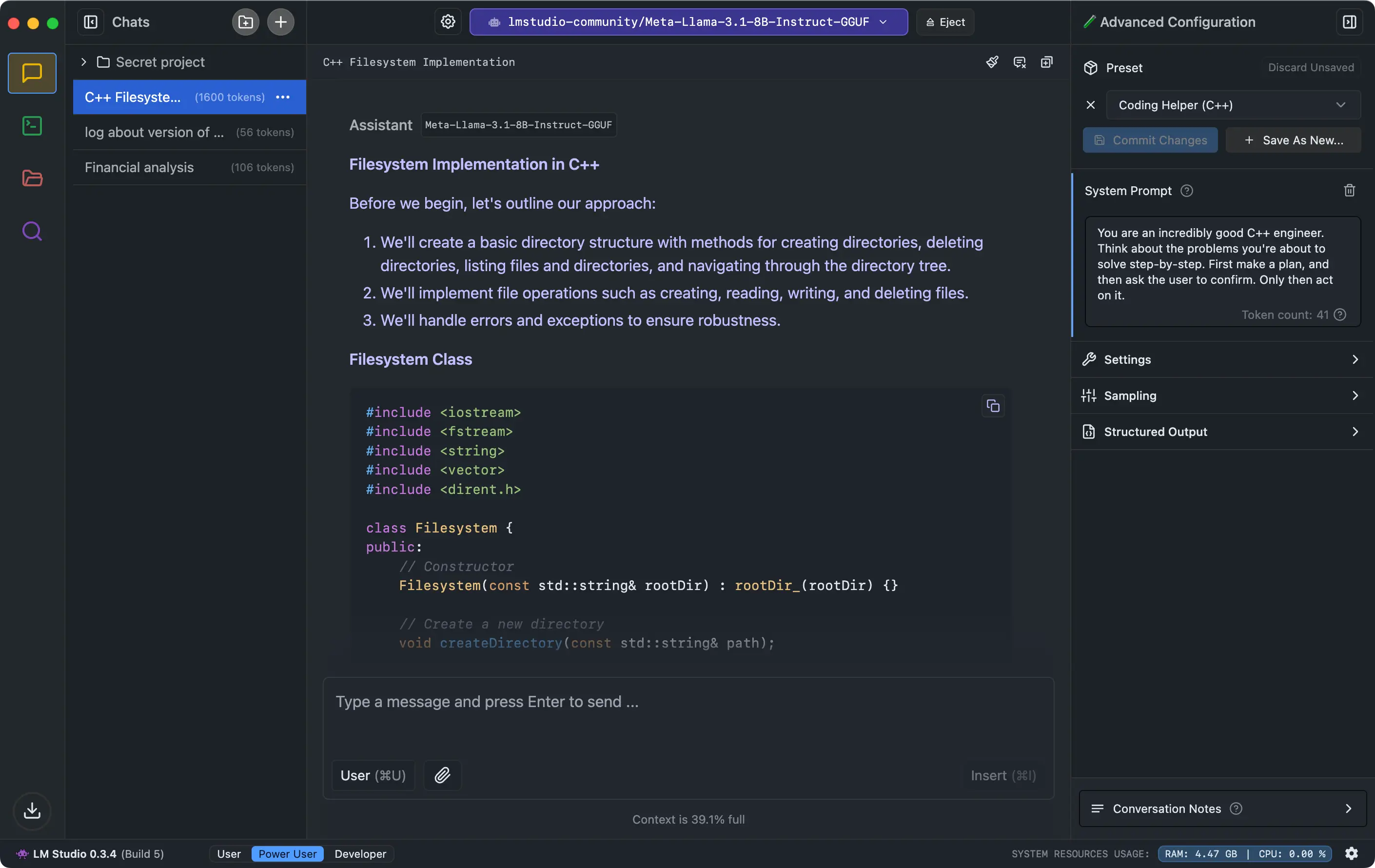
Want the power of AI language models without the cloud catch? LM Studio brings it home—a free Mac app that lets you run Large Language Models (LLMs) right on your computer, no internet required. Think chatting with your own private AI, analyzing local PDFs, or spinning up an OpenAI-style server—all offline, all yours. Built for M1/M2/M3 Macs, it supports big names like Llama, Mistral, and Phi, with a slick interface to discover, download, and switch models from Hugging Face. Whether you’re a coder testing AI tools, a researcher guarding sensitive docs, or just an AI fan who hates data leaks, LM Studio turns your Mac into a secure, self-contained AI hub. No subscriptions, no tracking—just pure, local language power at your fingertips.
Why You’ll Love It
- Offline AI: Run LLMs without a Wi-Fi whisper.
- Doc Chat: Ask questions about your local files—privately.
- API Ready: Spin up an OpenAI-compatible server locally.
- Model Hunt: Browse and grab models in-app with ease.
- Privacy Lock: Zero data leaves your Mac—ever.
What It Offers
- Local Power: Run Llama, Mistral, Gemma, and more, all offline.
- Doc Smarts: Chat with PDFs or docs stored on your drive.
- API Flex: Use its server with any OpenAI-friendly app.
- Model Shop: Download GGUF models from Hugging Face directly.
- Mac Optimized: Fast on M-series chips, with regular updates.
Perfect For
- Coders: Test LLMs without cloud costs.
- Researchers: Analyze docs with total privacy.
- AI Fans: Play with models off the grid.
- Security buffs: Keep AI local and locked down.
Get Started
- Download: Get it free from LM Studio.
- Install: Drag it to Applications and launch.
- Pick a Model: Browse, download, and load one up.
- Chat: Talk to it or your docs—no internet needed.
System Requirements
- macOS 11 (Big Sur) or higher (M1/M2/M3 recommended)
- 8GB RAM minimum (16GB+ for larger models)
- Works on Apple Silicon (Intel with AVX2 supported)
- Storage for models (varies by size)